Drive the terminal
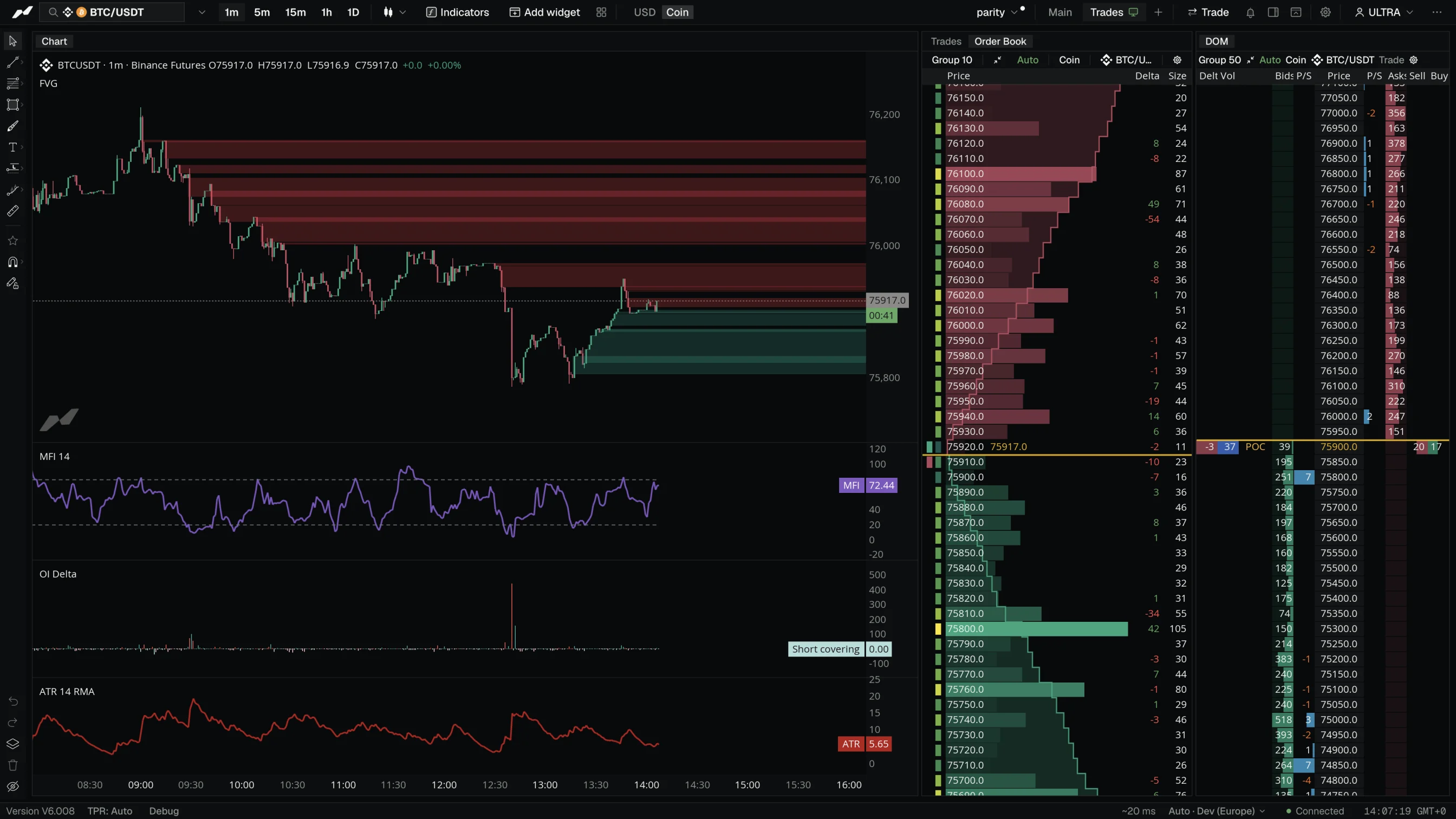
Give me a 2x2 desk with footprint and a heatmap.
Drive the terminal
Apply a layout, add widgets, layers, and drawings, and read your current chart and workspace state.
MCPOnly on MMT
Connect an AI agent to drive the terminal and build indicators.
Connect your own AI agent and it drives the terminal or writes indicators for you. Every request becomes real tool calls.
Set up a BTC footprint desk and write a CVD divergence script.
workspace_set_layout2x layout applied
widget_addchart · BTCUSD
chart_add_layerfootprint
script_createcvd-divergence.mmt
script_get_diagnosticspassed
script_editor_openopened
The footprint desk is live and the script compiled clean.
One request becomes tool calls: a layout, a chart, a footprint layer, and a script that compiles clean.
Give me a 2x2 desk with footprint and a heatmap.
Apply a layout, add widgets, layers, and drawings, and read your current chart and workspace state.
Write a script that flags CVD divergence.
Create, read, and edit scripts, even while MMT is closed, with the language reference and diagnostics in context.
The Agent inside MMT runs on your own LLM key, with 10 providers plus OpenRouter. MMT provides no AI of its own.
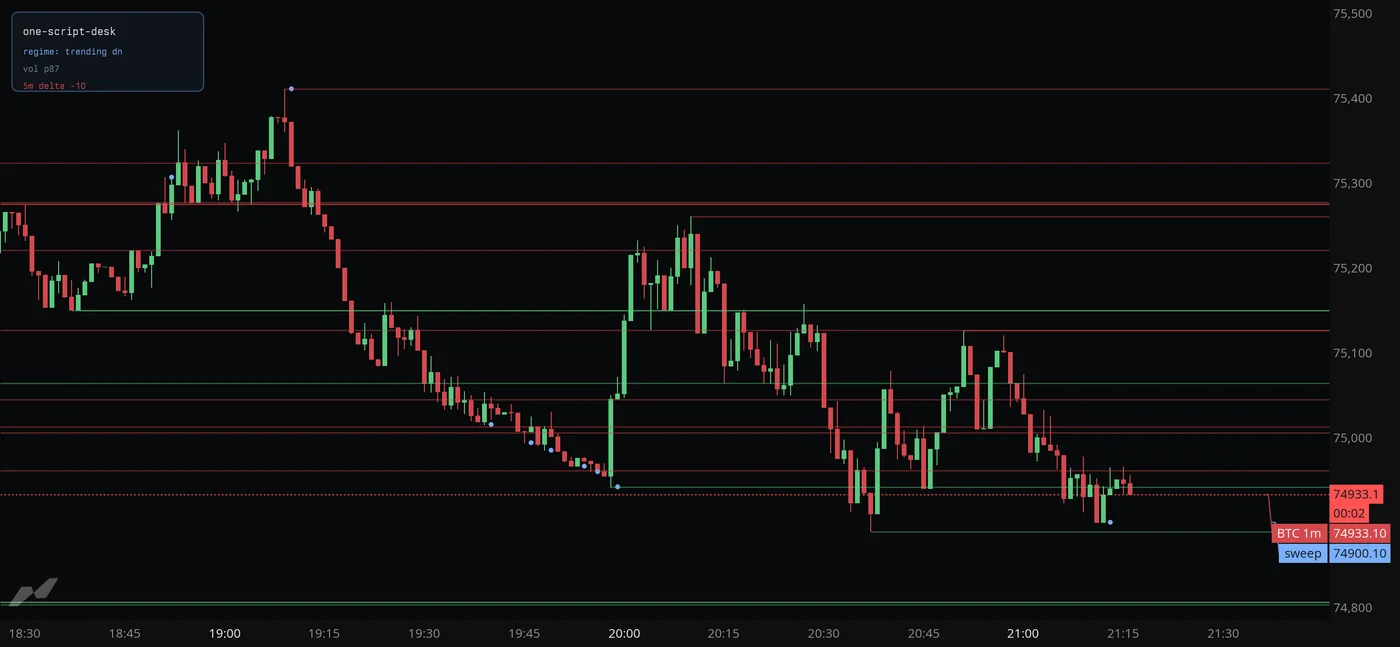
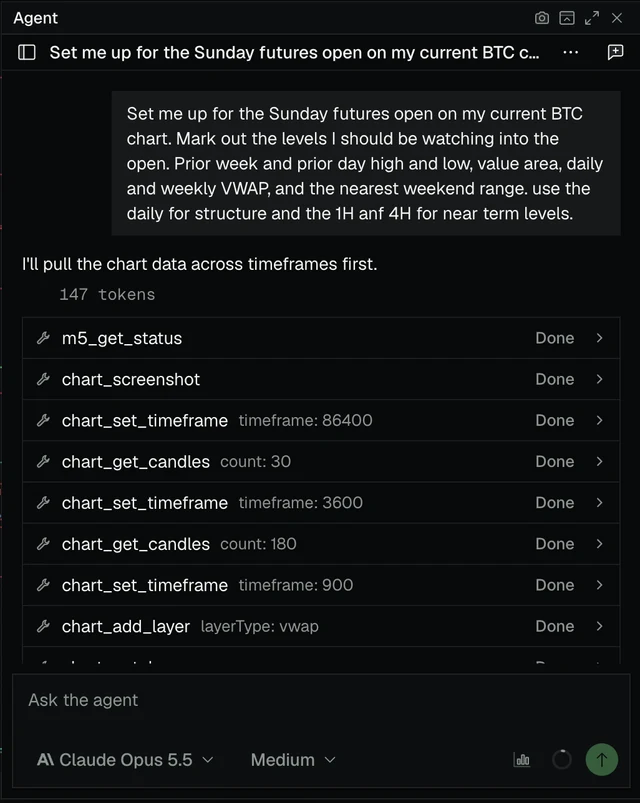
Ask in the terminal and it sets up your chart through tool calls, on the model and key you choose.
Scripting, MCP, the Data API and execution in one place are onBuild your own
It does not place orders or send signals. Trading keys are a separate system, and publishing a script still needs builder approval. What an agent can do is bounded by the token scope you give it.
No orders
The MCP server has no order capability.
No signals
It drives the terminal and manages scripts, nothing else.
Trading keys separate
Trading keys are a separate system from MCP.
Publishing needs approval
Publishing to the community catalog still requires builder approval.
Each one reads or writes, nothing else. These are the core tools in each family.
| Tool | Does | Access |
|---|---|---|
| Drive the terminal | ||
| m5_get_status | Read workspace, session, and chart state | Read |
| workspace_set_layout | Apply a layout preset | Write |
| widget_add | Add a widget to the workspace | Write |
| chart_add_layer | Add an indicator or data layer to a chart | Write |
| chart_add_script | Add a script layer to a chart | Write |
| draw_tool_add | Add a drawing to a chart | Write |
| Build indicators | ||
| script_list | List your scripts | Read |
| script_get | Read a script and its latest revision | Read |
| script_create | Create a new script | Write |
| script_update_code | Update script code | Write |
| script_update_metadata | Update a script's name and metadata | Write |
| script_fork | Fork a source-visible script | Write |
| script_archive | Archive a script | Write |
| script_check | Check script code before saving | Read |
| script_get_diagnostics | Fetch runtime diagnostics from a live client | Read |
| script_editor_open | Open a script in the editor | Write |
| script_api_reference | Read the language reference | Read |
Each run is one request and the tool calls it takes.
Write a script that flags CVD divergence.
script_create
script_check
Saved and checked, with MMT closed.
Give me a 2x2 desk with footprint and a heatmap.
workspace_set_layout
widget_add
chart_add_layer
Layout applied and widgets added.
Fork this indicator and change the length to 50.
script_fork
script_update_code
Forked, edited, and diagnostics clean.
MMT generates copy-ready setup in the terminal. Agent setup also lives at app.mmt.gg/llms.txt.
Agent setupPick your client and copy the setup MMT generates for it.
Create a named token, shown once and stored hashed. Publishing is never in scope, and you can revoke any token immediately.
“I can't lie, I've been eyeing MMT for about a year now and it's becoming impossible to ignore. With more people knowing about it, IMO it will take over the crypto market in the future, especially with the AI tools.”
“I was scripting Japanese candlestick labels over the footprint data the other day. Each pattern, bearish engulfing and so on, represents a read on buyer/seller conviction, so it was cool to assess that.”
200K+ traders on MMT.
More on XStart free with no card. Upgrade only when you hit a limit.
Black Friday, 60% off Pro and Ultra. Ends Mon 30 Nov.
$0/mo
forever free
Kick the tires. No credit card.
$69$29/mo
Keep your sub, keep your rate
For traders who take this seriously
$99$39/mo
Keep your sub, keep your rate
Enhanced edge & increased limits.
Pay with cryptoAnnual plans available via USDC or USDT.
No. The MCP server drives the terminal and manages scripts. It has no order capability, and trading keys are a separate system.
No. An agent can create, edit, and archive scripts within scope, but publishing to the community catalog still requires builder approval.
Script creation and editing work headless, with MMT closed. Live control, opening the editor, and compile feedback need an open MMT session.
Revoke the token in settings and it stops working immediately. Tokens are shown once and stored hashed.
You pick a scope preset when you create the token: full control, full control plus metadata and archive, or read-only.
Named, scoped, and revocable per agent.